
Three days in Phoenix (October 7–9) brought hands-on workshops, a Frank Lloyd Wright tour, a busy show floor, and a lot of hallway talk about where our profession is headed. Here's a recap for PDX CSI members who couldn't make the trip, plus a few things worth discussing together.
Conference Highlights
Empowering the Generations (Wed, Oct 7)
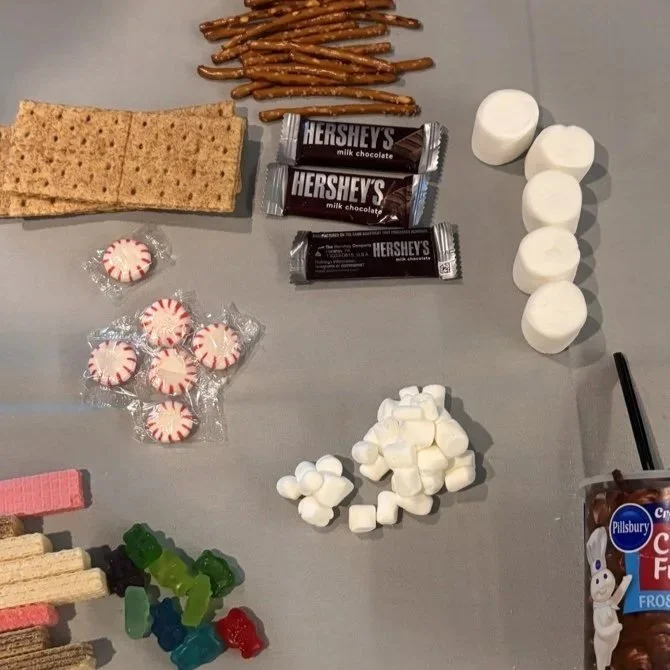
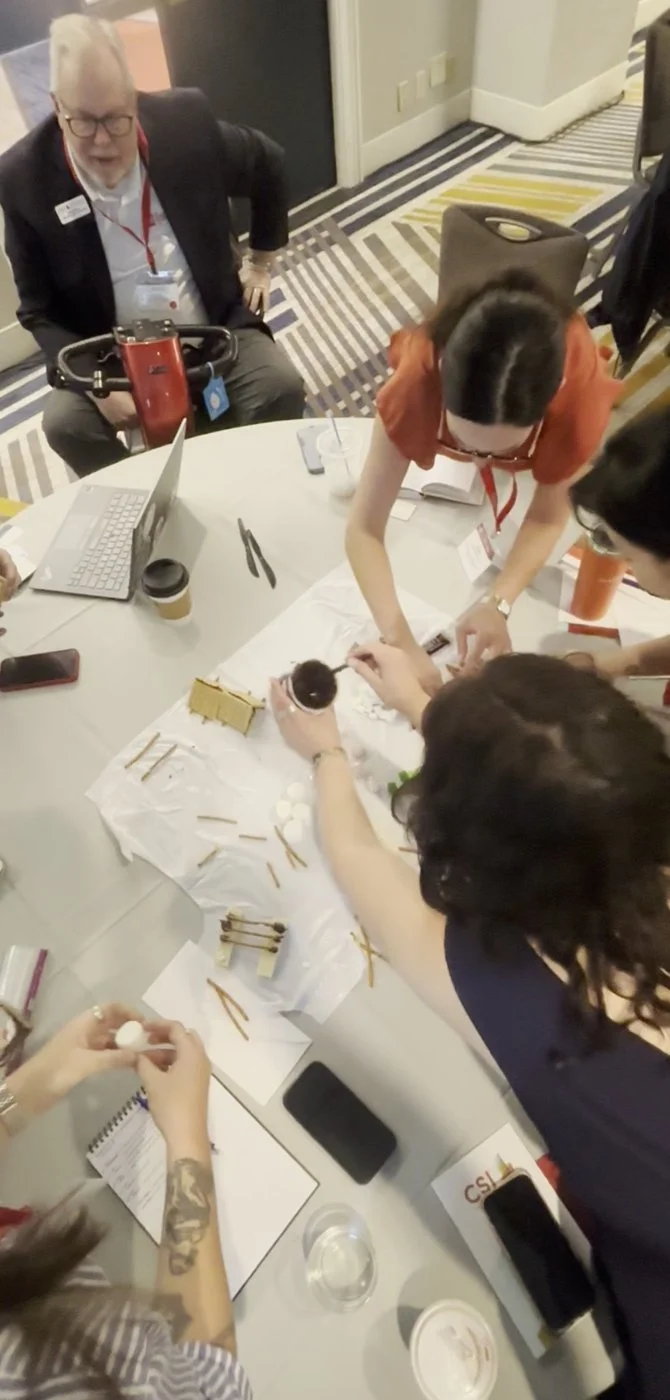
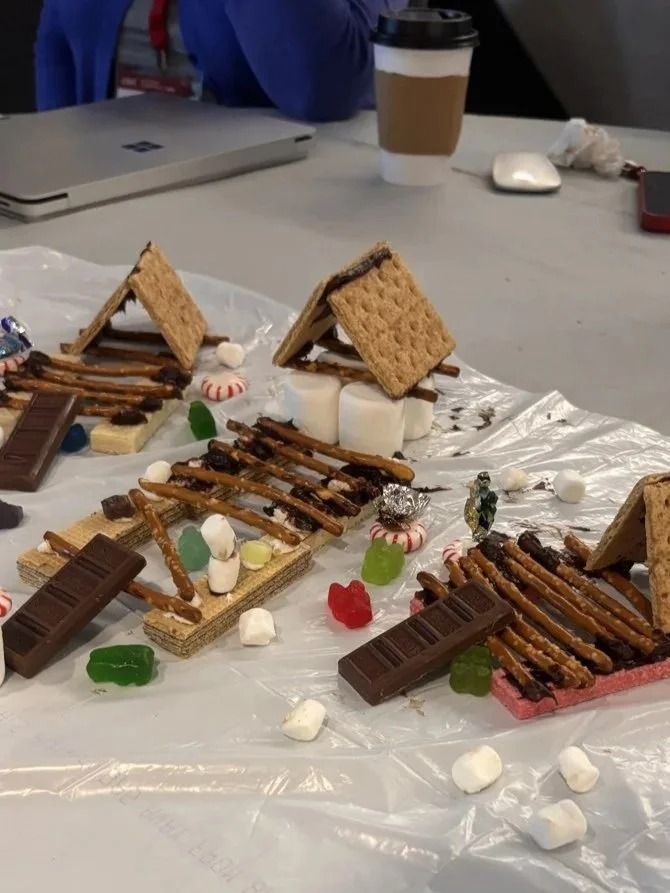
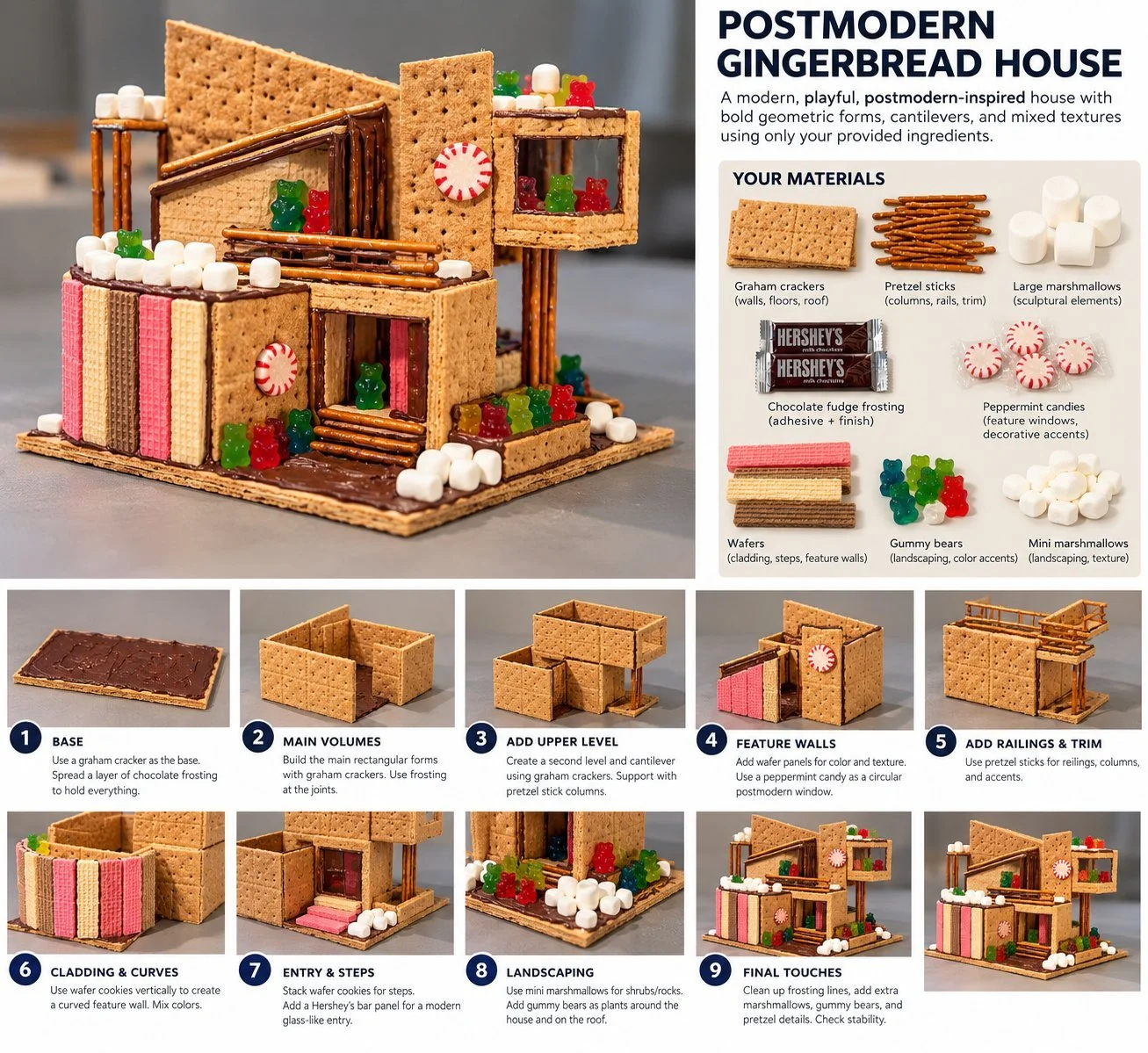
Sherry Harbaugh, Faith Brown, and Janet Williams led a workshop on how different generations work together. Each table got a kit of candy and a target design (a postmodern gingerbread house) and had to plan, split up the work, and build it together. Afterward, we stepped back to reflect on how we worked as a team:
Who at the table took charge, and what generation do they belong to?
Did every generation at the table get a chance to share?
What strengths did you notice in each generation?
Taliesin West Tour (Wed, Oct 7)
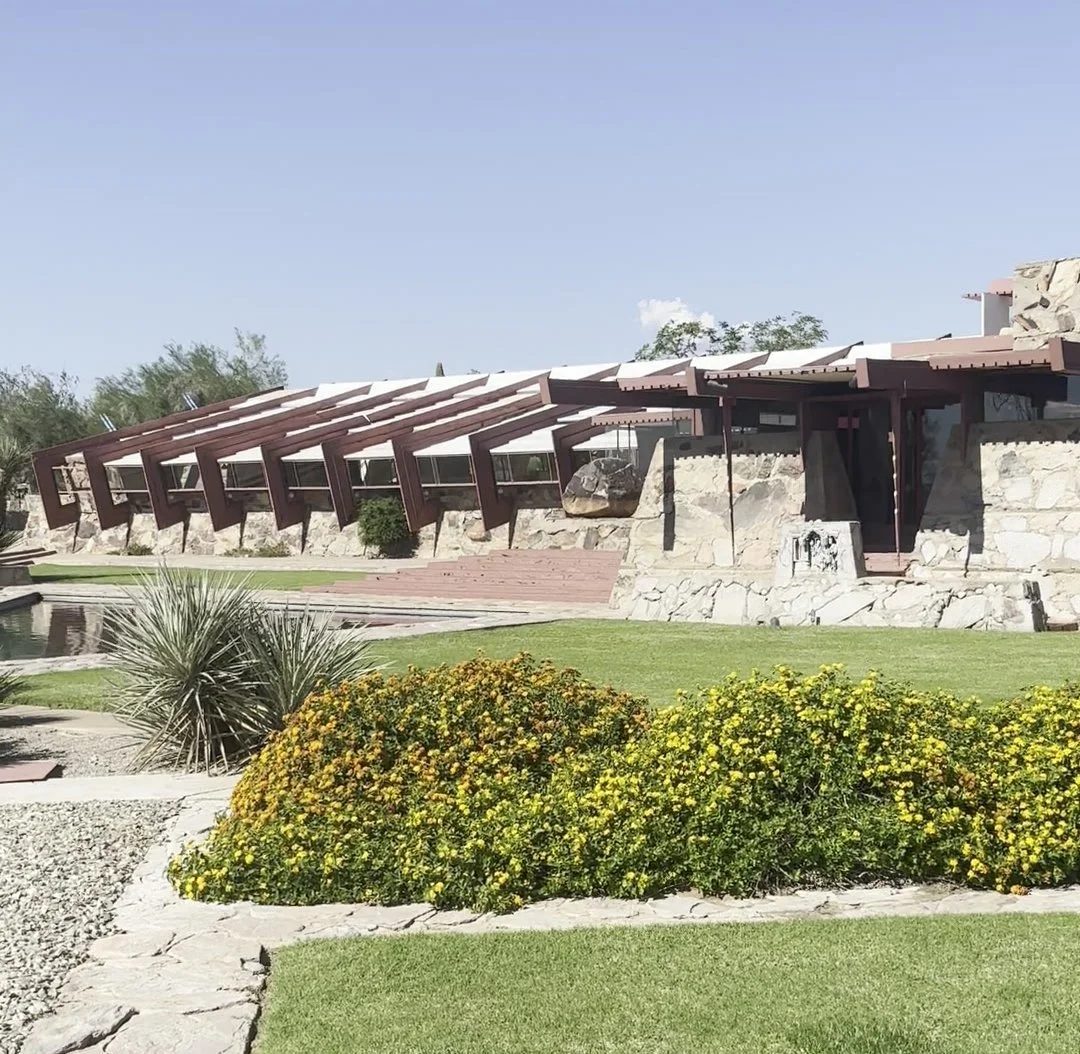
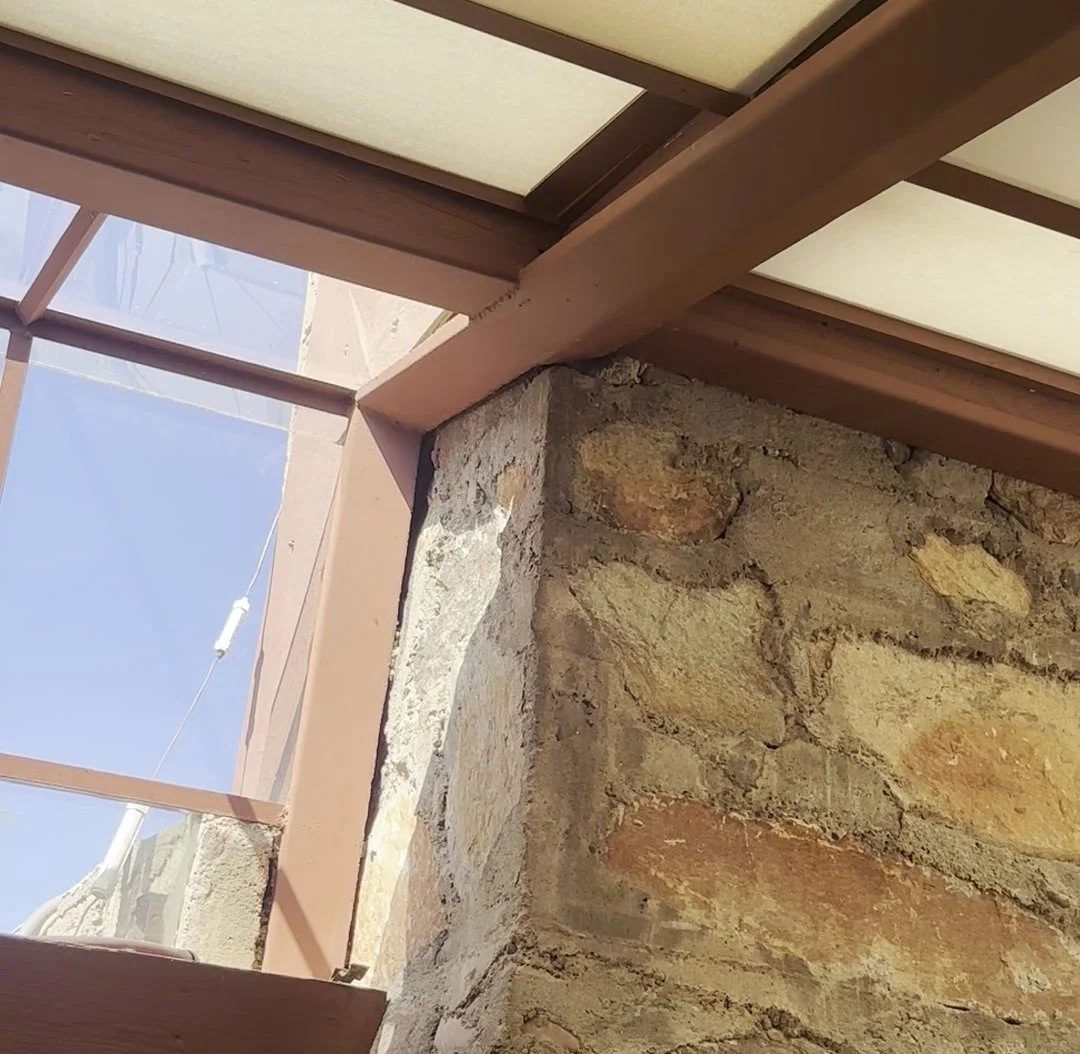
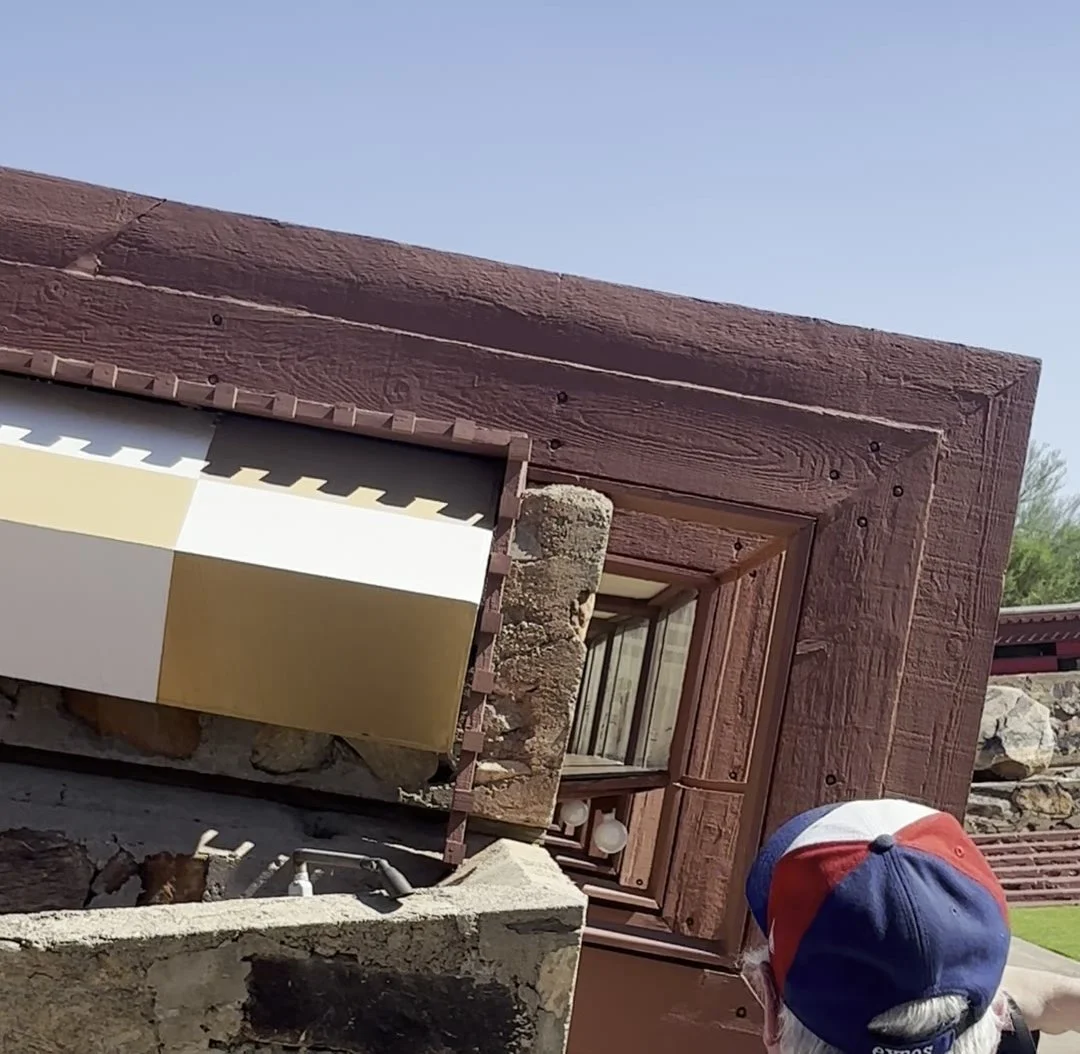
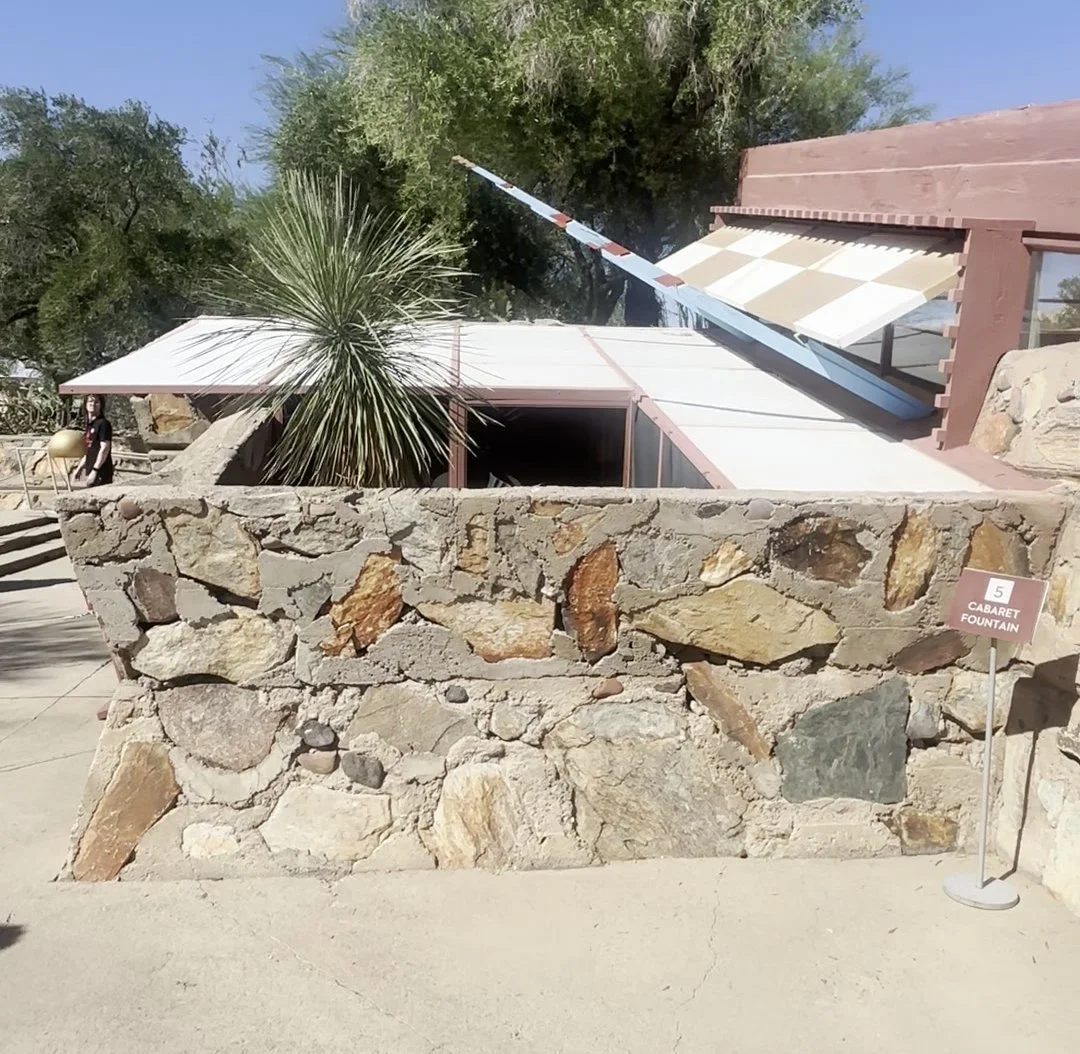
We toured Frank Lloyd Wright's winter home, studio, and school in Scottsdale, begun in 1937. The desert masonry stood out: local stone set in concrete, paired with redwood framing and translucent roof panels that soften the desert light. The site is part of a UNESCO World Heritage listing of Wright's work.
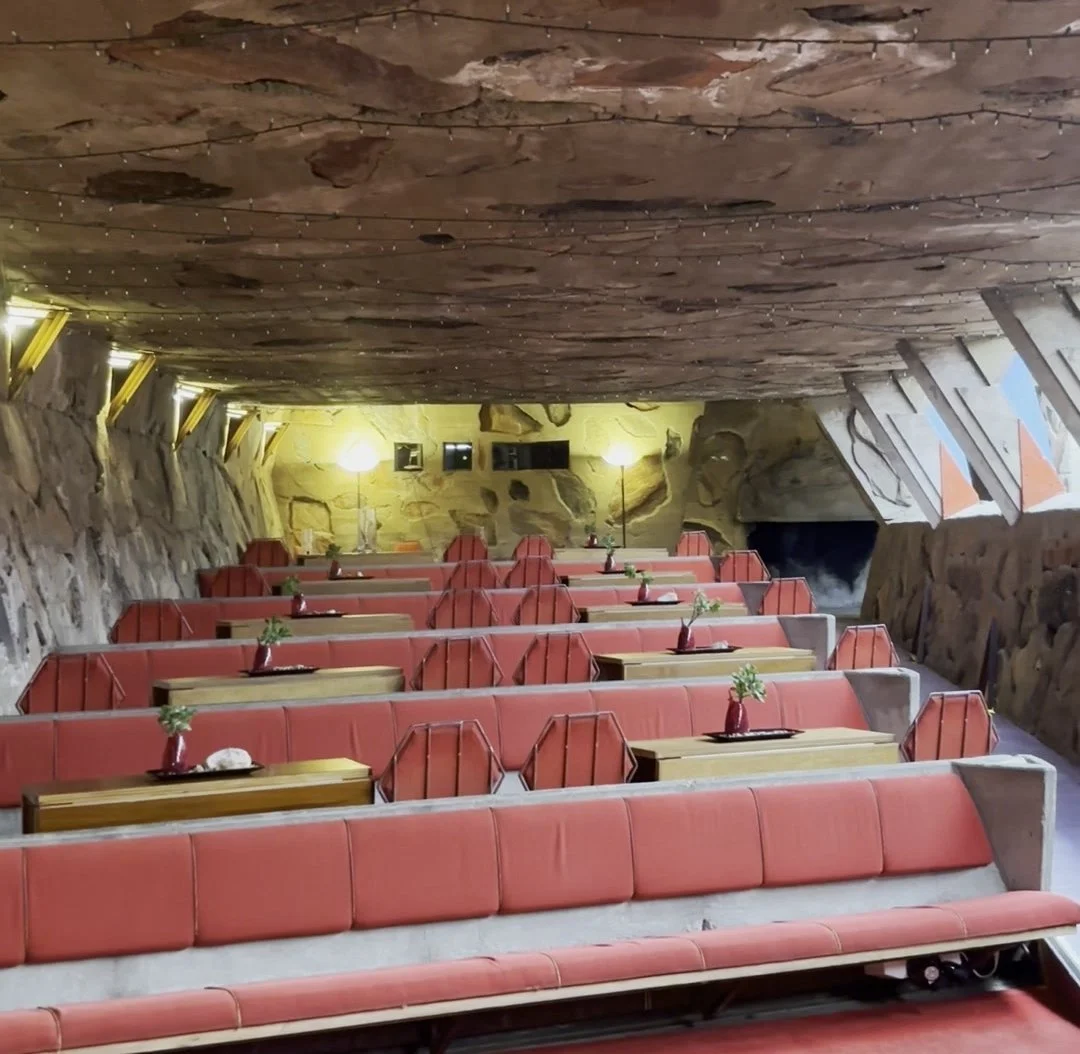
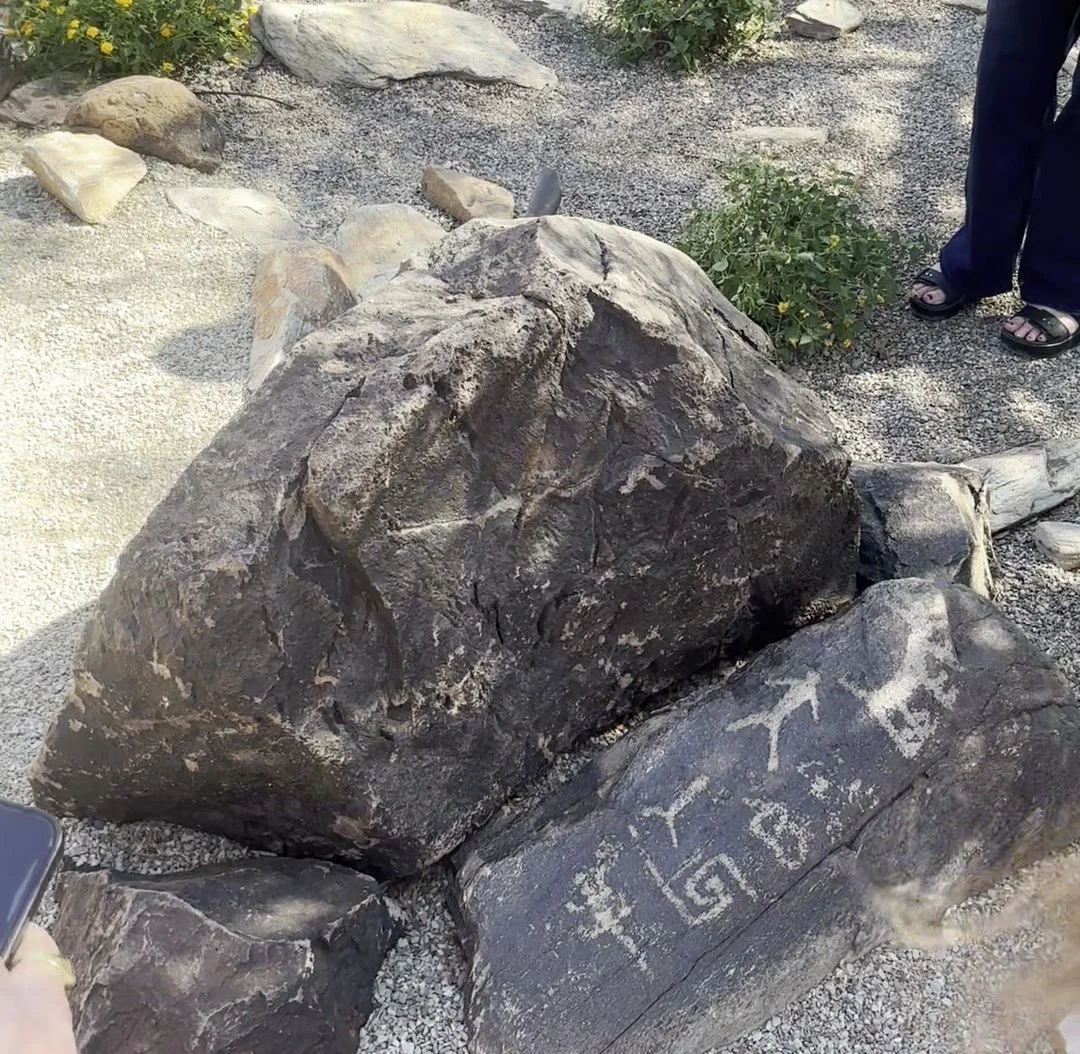
Player 15 Group HQ Tour (Fri, Oct 9)
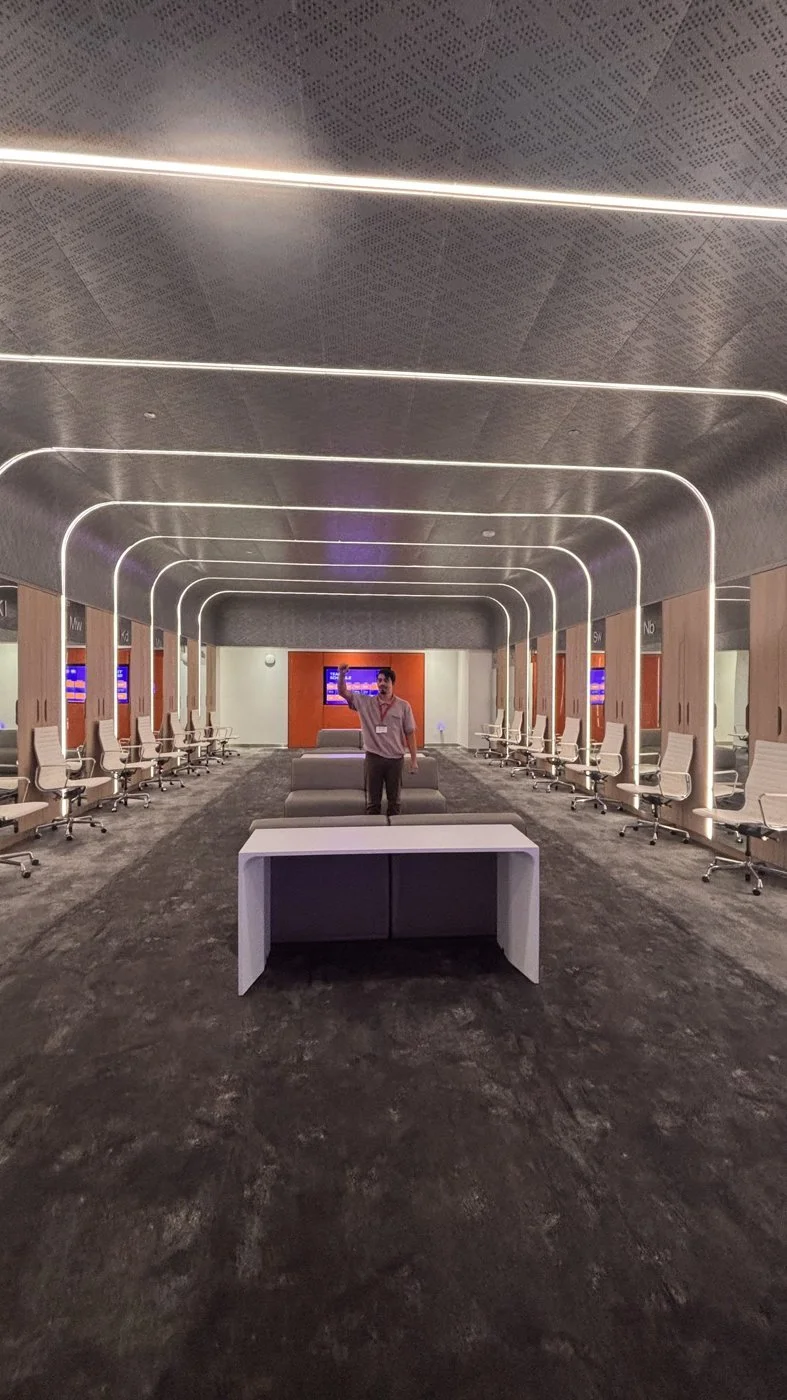
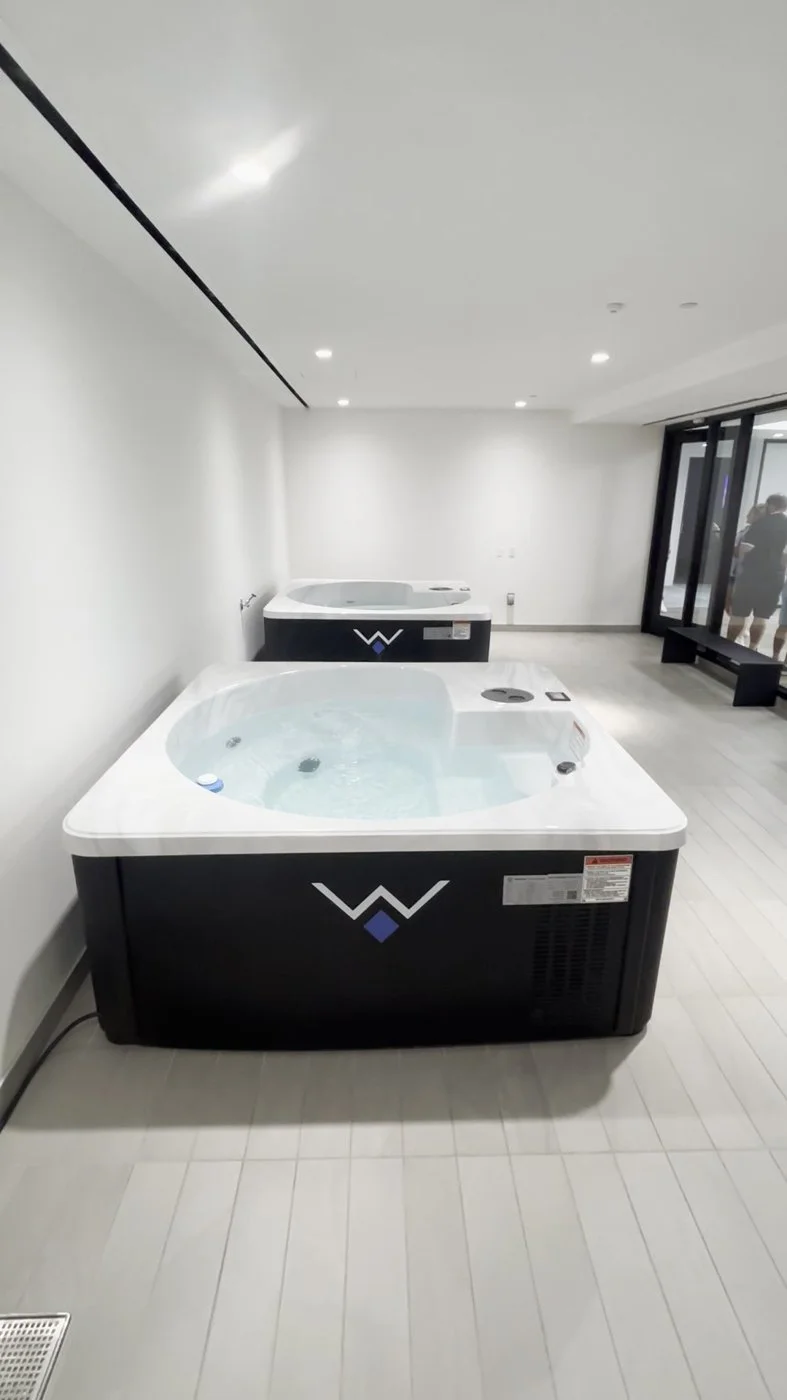
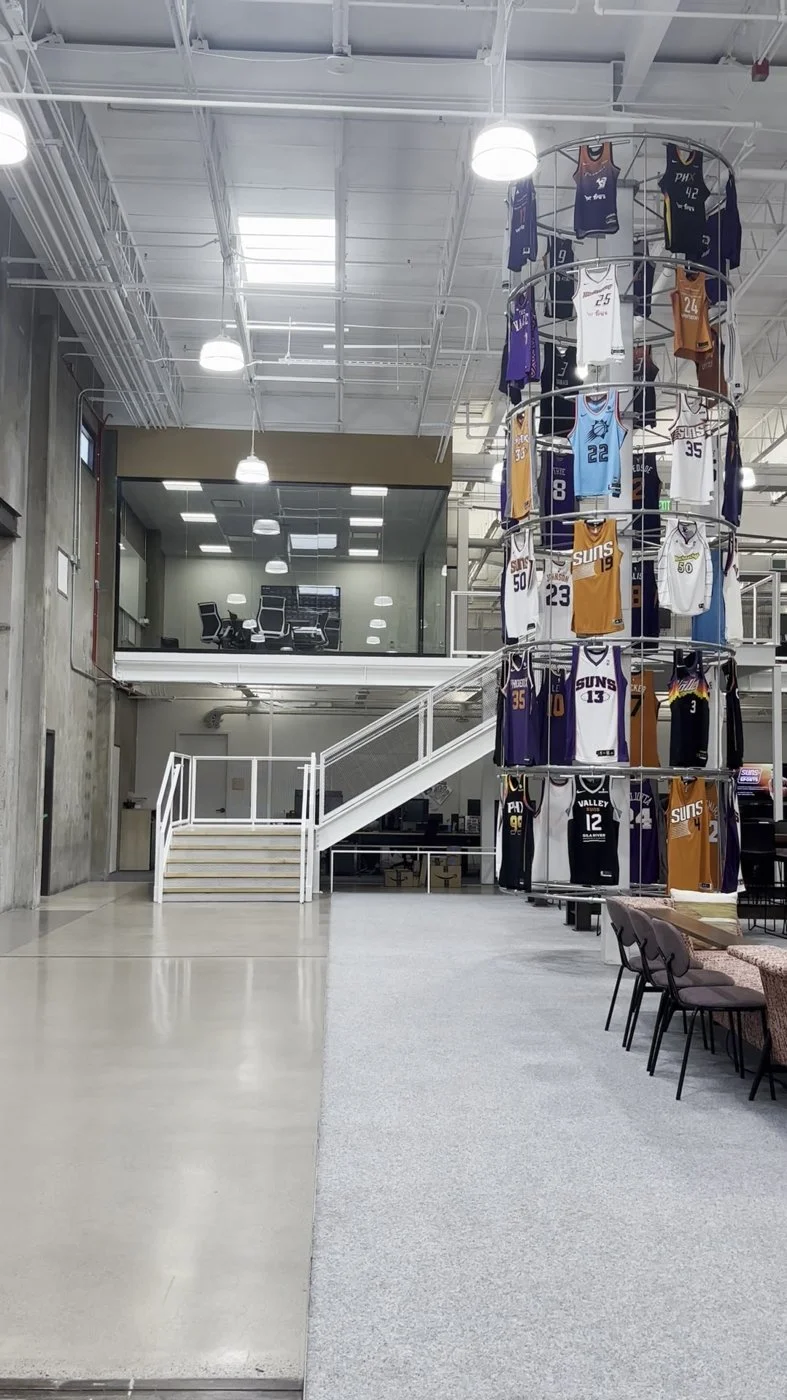
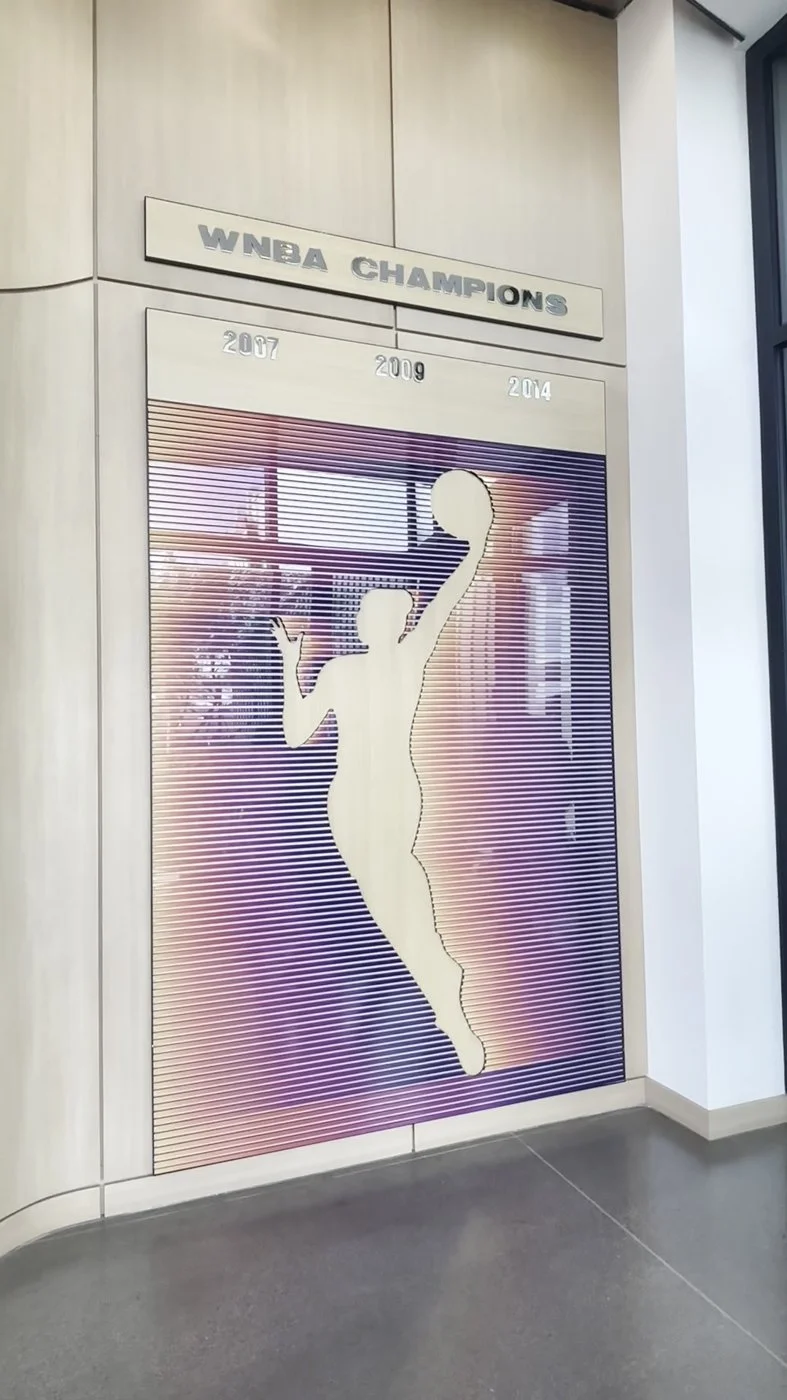
We went behind the scenes at the headquarters and practice facility of the Phoenix Suns, Phoenix Mercury, and Valley Suns: practice courts, strength and recovery spaces, locker rooms, and a striking jersey atrium. It was a great look at a high-performance facility full of specialty finishes and equipment.
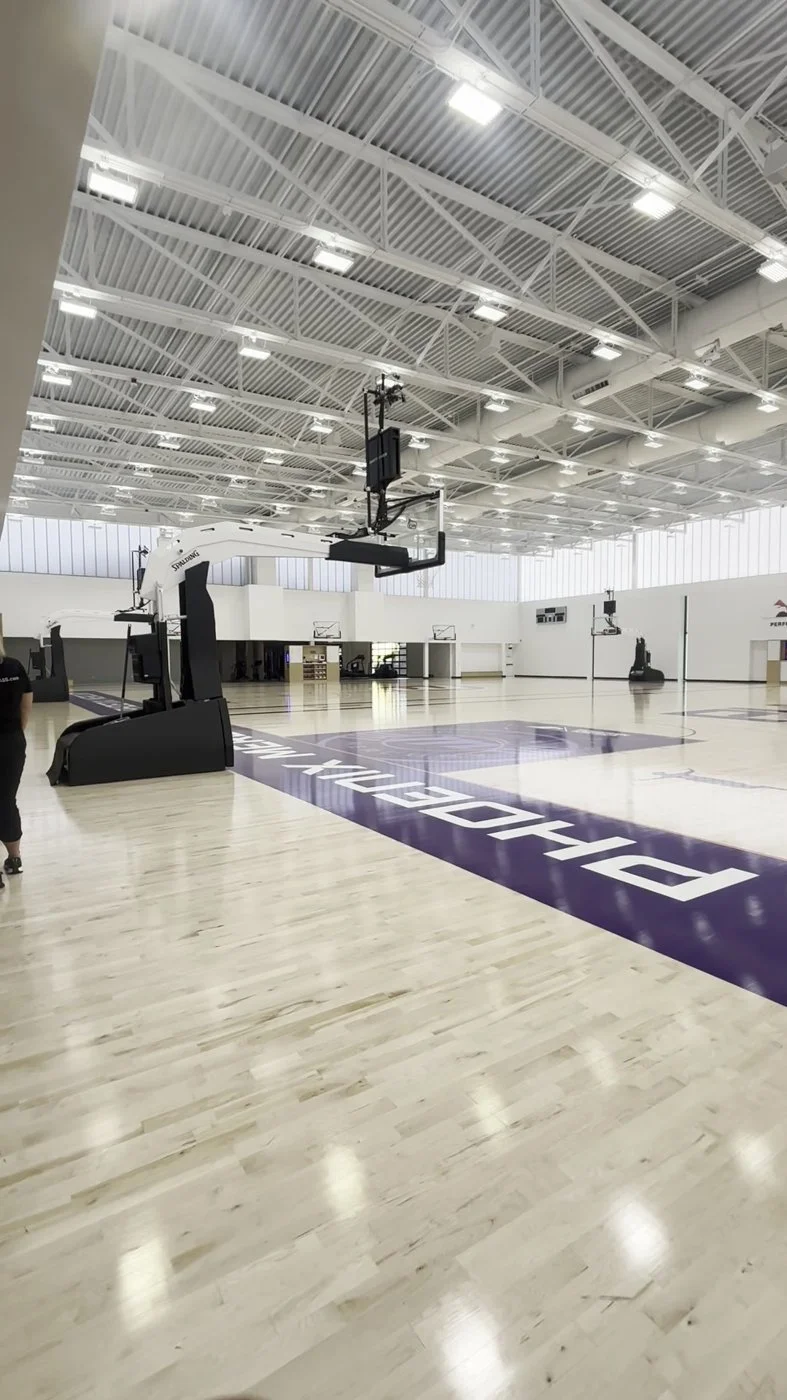
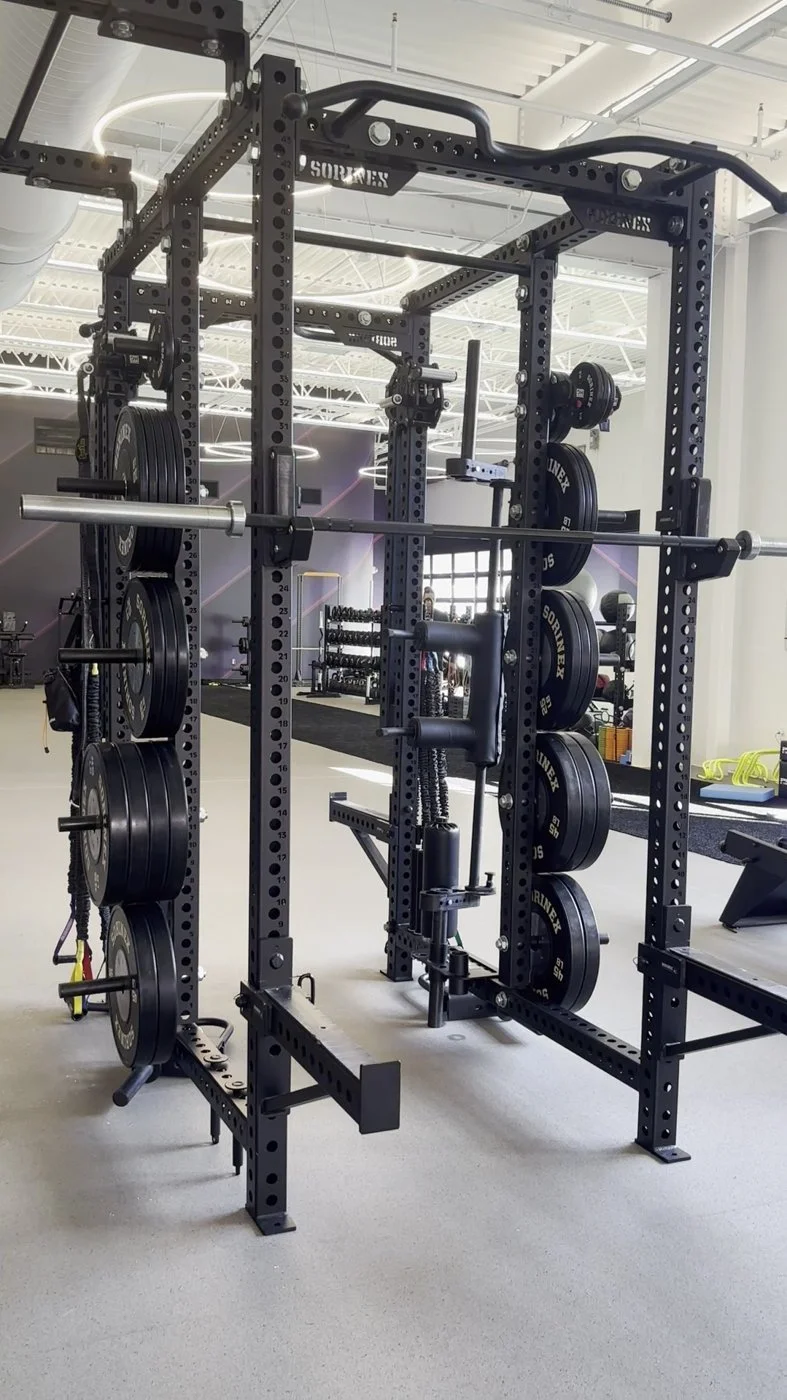
AI Tools on the Horizon
AI was the theme of the week, with at least seven sessions on the topic. Four tools stood out to me:
1. UpCodes
What it does: AI plan review that flags conflicts between drawings, specs, and locally adopted code.
Worth knowing: Each issue links to the sheet, spec section, and code. UpCodes reports 180,000+ potential issues flagged across 1,300+ plan sets.
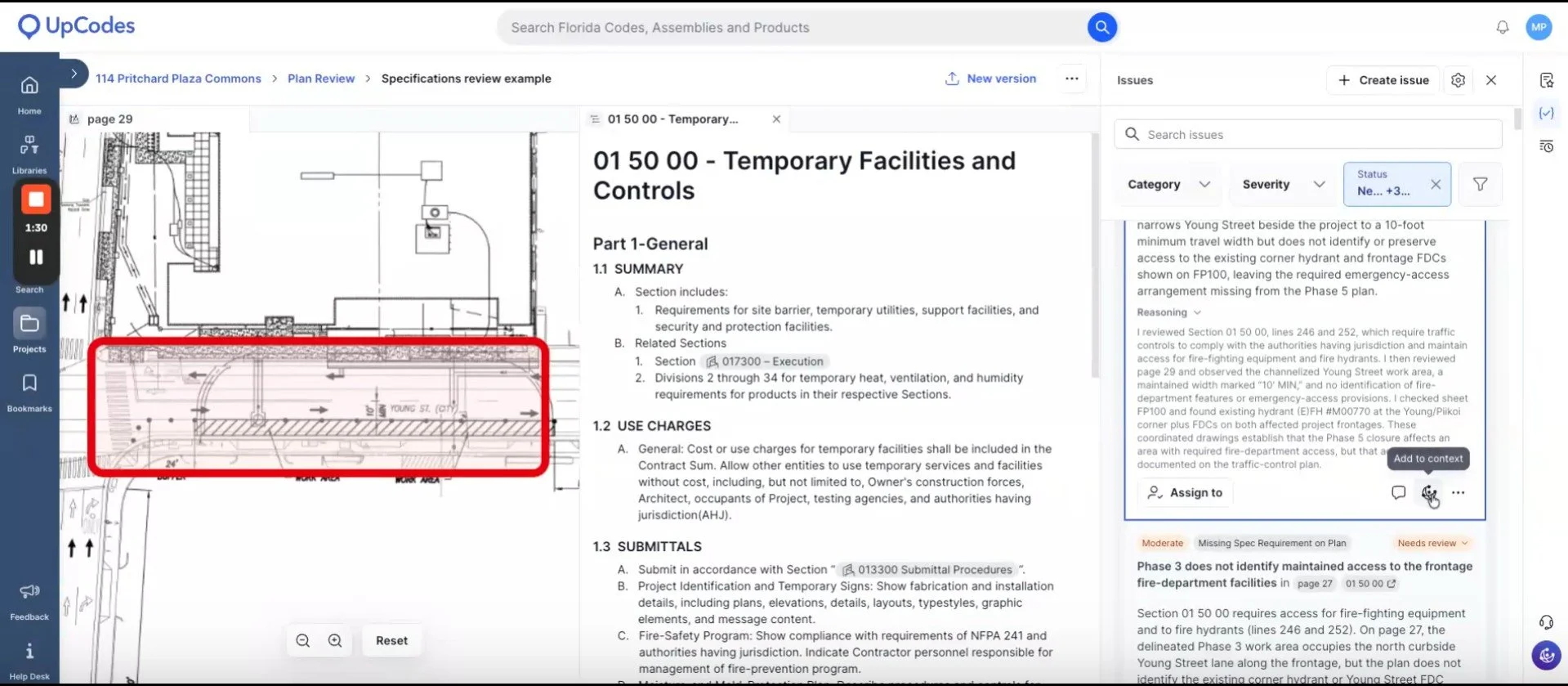
UpCodes plan review screen showing a highlighted site plan area, Section 015000, and an issues/ findings panel.
2. Lattira
What it does: A spec-writing platform with a Revit plugin for writing and linking spec sections while you design.
Worth knowing: From Hubexo, the makers of NBS Chorus; launched in the U.S. in February 2026.
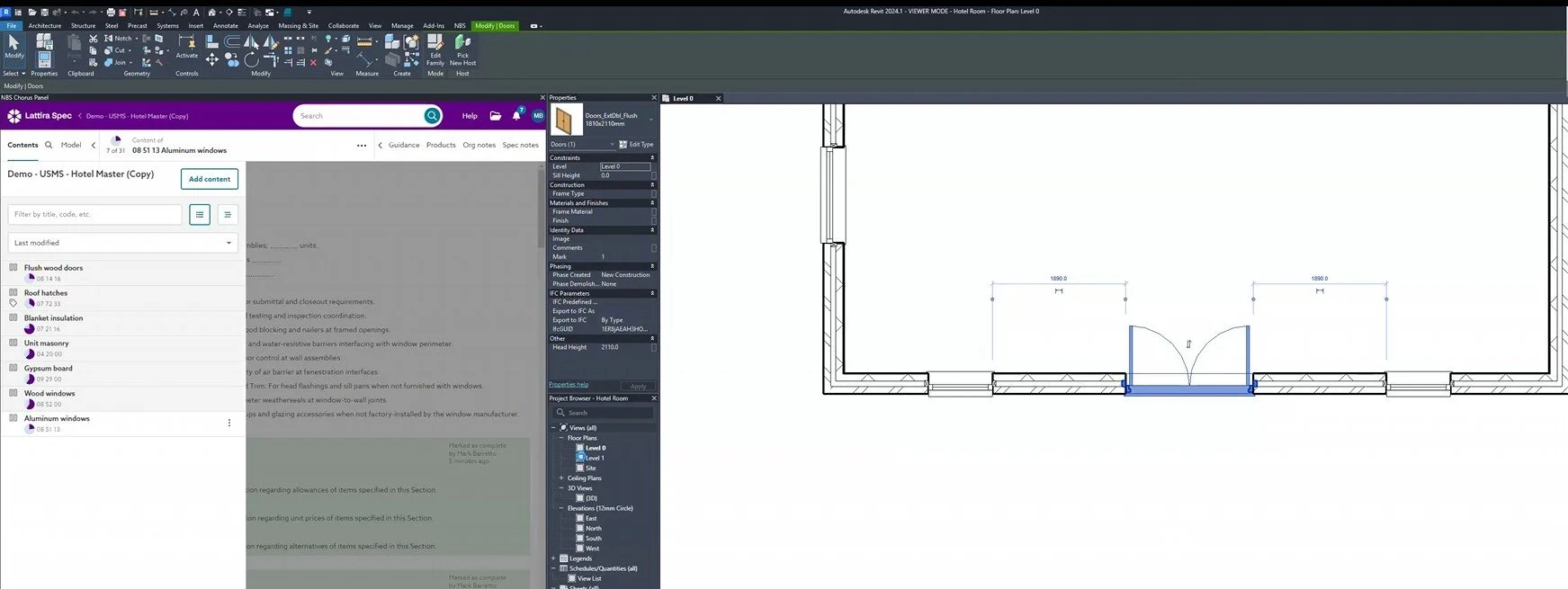
Lattira Spec panel open beside a Revit floor plan with a door selected.
Link: https://www.lattira.com
3. AutoSitu
What it does: Standalone QA/QC that checks firm standards and cross-discipline coordination on every set.
Worth knowing: Cites the sheet and rule behind each finding.
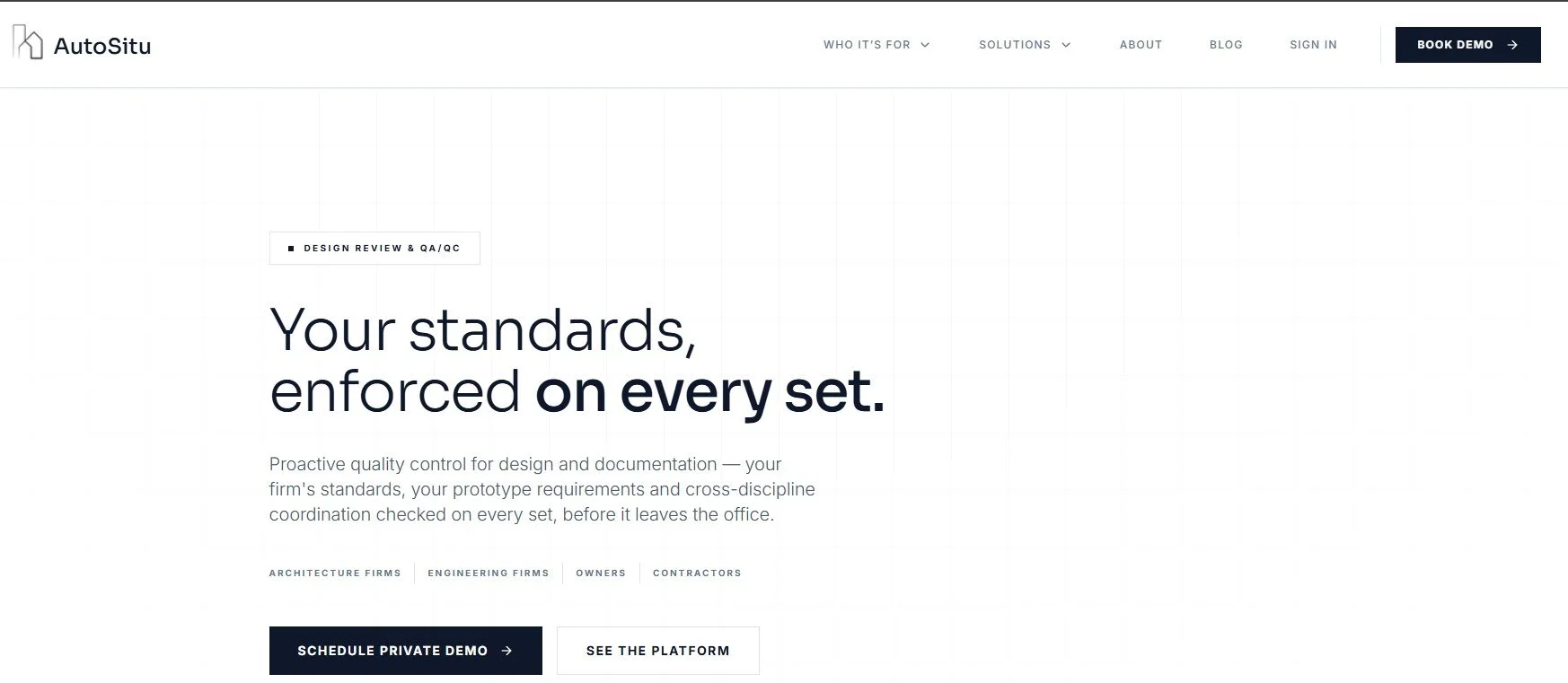
AutoSitu homepage reading “Your standards, enforced on every set.”
Link: https://autositu.com/
4. Nomic
What it does: AI agents across drawings, specs, submittals, RFIs, and codes, including automated drawing review.
Worth knowing: Individual plans start at $20/month.
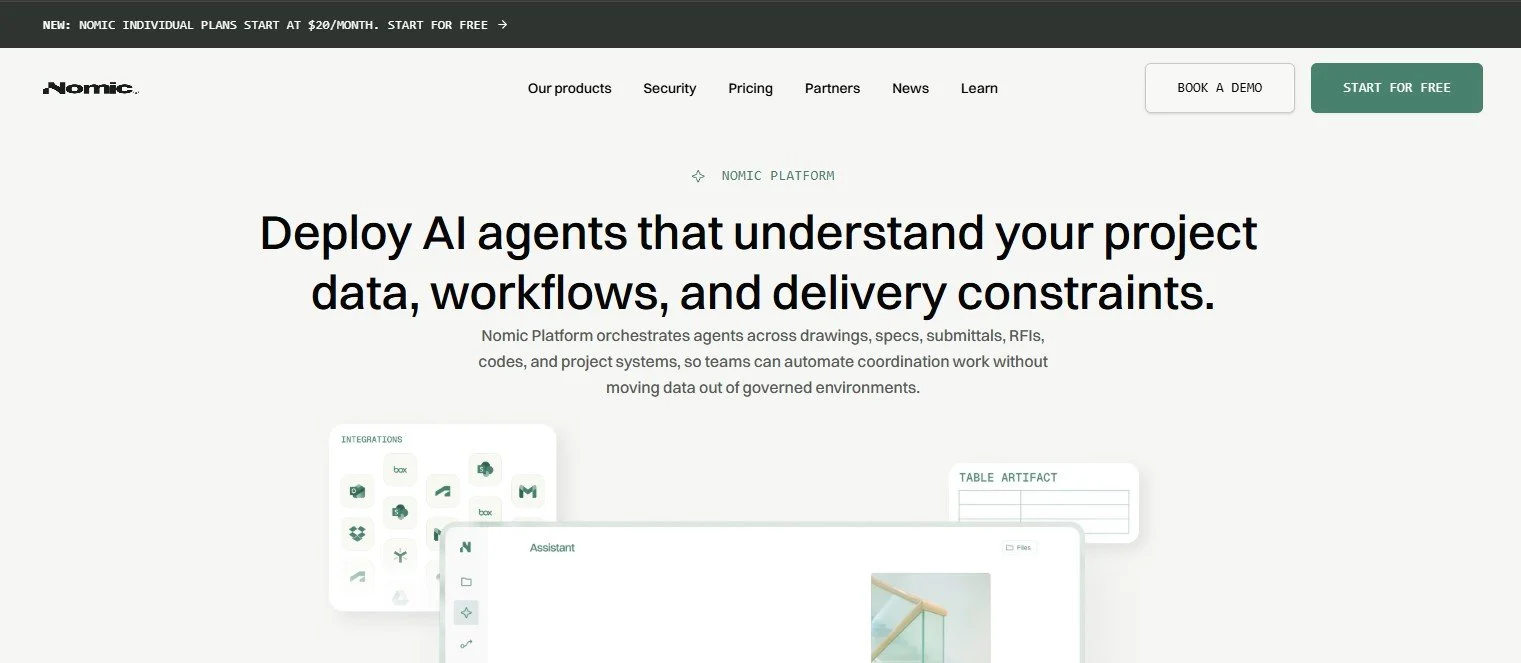
Nomic Platform homepage reading “Deploy AI agents that understand your project data, workflows, and delivery constraints.”
My Take
UpCodes is the easiest first step for most of us, since many firms already use it for code research. Lattira looks more useful for designers working in the model than for dedicated spec writers. AutoSitu and Nomic are good to know about as alternatives, and I'd like to hear from anyone who has used them.
The Conversation Everyone Was Having: CSI Dynamic Standards
Attendance looked noticeably smaller than at past national conferences, and in many hallway conversations, people tied that to the debate over CSI Dynamic Standards.
What changed. In February 2026, CSI moved MasterFormat, UniFormat, and OmniClass to an annual subscription, CSI Dynamic Standards, offered through The Construction Standard. Firms using the standards professionally now need a firm-wide license, priced by self-reported revenue range. CSI notes that one license covers everyone in a firm (where individuals used to buy their own copies) and that members get preferred pricing. Spec software subscriptions (SpecLink, MasterSpec, and others) and individual CSI membership don't include the license. MasterFormat 2026 is available online only.
The court ruling. On September 1, 2026, a federal court ruled in CSI v. ZeroDocs that MasterFormat's numbers, titles, divisions, and taxonomy aren't protected by copyright. The case involved ZeroDocs' SimpleSpec templates. The ruling doesn't address UniFormat, OmniClass, or CSI's trademarks. CSI has said it respectfully disagrees and will protect its intellectual property; as of this writing, the licensing program is unchanged.
This affects every firm and member in our chapter. Firms weighing a license may want to check the latest terms with The Construction Standard and talk with their own counsel.
Sources: Building Enclosure on the licensing plan · CSI Dynamic Standards FAQ · Building Enclosure on the ruling · CSI's statement
What I'm Bringing Back
AI is arriving in spec writing. The tools are coming fast, but our professional judgment still owns the spec.
Watch the Dynamic Standards story. The licensing program and the court case are both still unfolding.
Generational collaboration matters. Keep the conversations going: ask questions, and listen to advice from every generation in the room.
I'd love to hear your take, especially on Dynamic Standards and the AI tools. Bring your questions and opinions to our next chapter meeting, or reach out to me directly!
Obed Eriza
President-Elect, PDX CSI
